Ortto has become a go-to platform for businesses that want marketing automation, customer data, and analytics living under one roof. But the platform’s flexibility cuts both ways. The same depth that makes Ortto powerful also makes it easy to misconfigure, and a rushed or careless setup quietly drains your marketing performance for months before anyone notices.
Most teams don’t fail with Ortto because the tool is hard. They fail because the implementation skips foundational steps, treats data hygiene as an afterthought, or copies generic playbooks that ignore how the platform actually processes customer activity. The result is broken journeys, inflated contact counts, misfiring automations, and reporting nobody trusts.
This guide walks through the seven Ortto implementation mistakes we see most often, why each one hurts, and what to do instead. Whether you’re migrating from another platform or building your first automation stack, avoiding these pitfalls will save you rework and protect your return on the investment.
1. Rushing the Data Source Setup Before Mapping Your Customer Activity
The single most damaging mistake happens on day one. Teams connect their data sources, such as their CRM, payment processor, product database, or web tracking, without first mapping which fields and activities actually matter to their marketing logic.

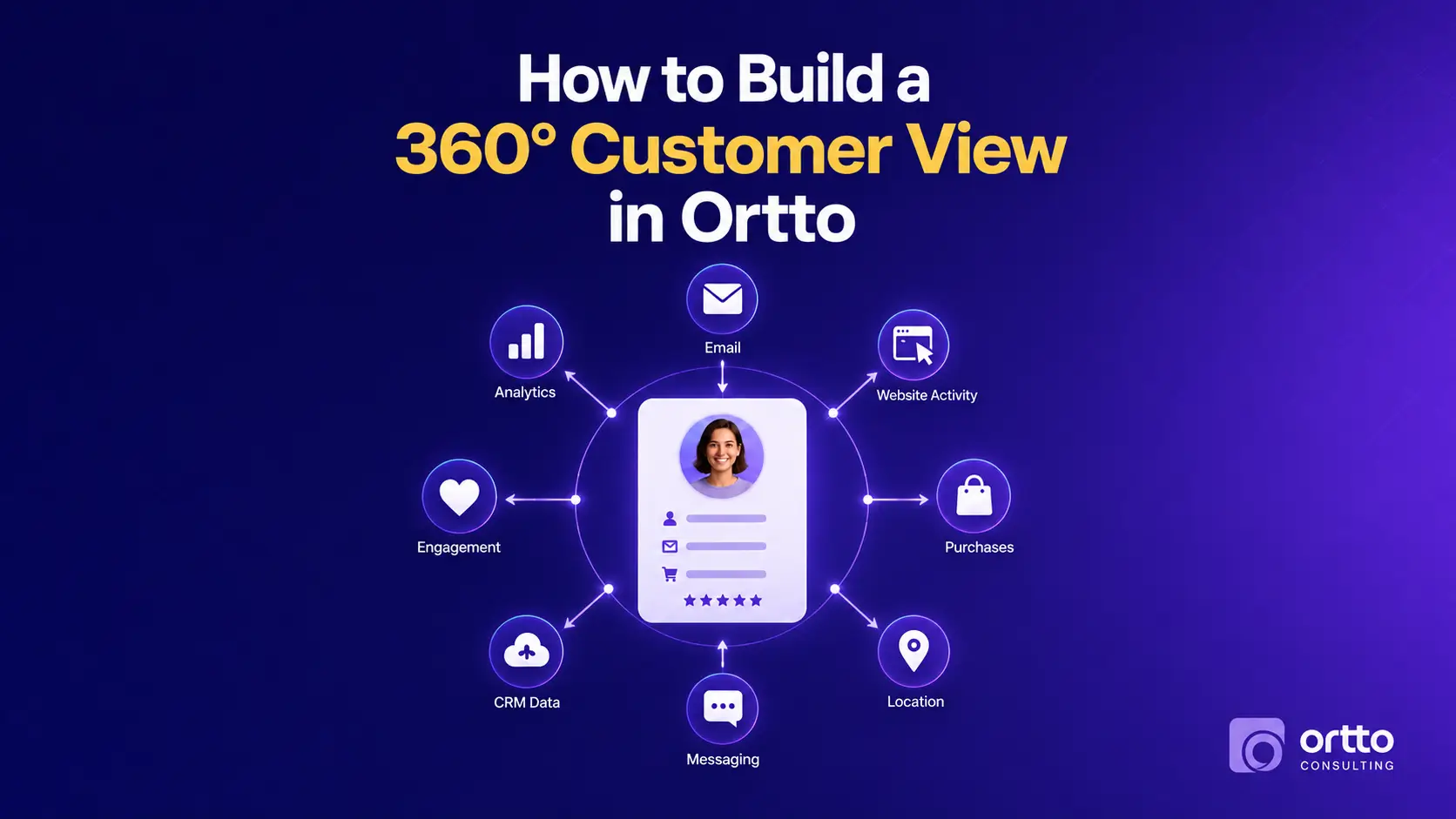
Ortto organizes everything around people, fields, and activities. When you connect a source carelessly, you import duplicate fields, mismatched data types, and activity streams that don’t align with how you actually segment customers. A “purchase” event from one system might not match the “order completed” event from another, and suddenly your revenue-based audiences are missing half their members.
Before you connect anything, document the customer actions that drive your marketing decisions. Decide which fields are your source of truth when two systems disagree. Map your unique identifier, usually email or a customer ID, so records merge cleanly instead of fragmenting into duplicates. This planning hour saves dozens of cleanup hours later.
2. Ignoring Field Standardization and Creating Duplicate Custom Fields
Once multiple people start building in Ortto, custom fields multiply fast. One marketer creates “Lifecycle Stage,” another creates “Customer Stage,” and a third imports “stage” from a spreadsheet. Now you have three fields tracking the same concept, none of them complete, and your segments pull from whichever field the builder happened to remember.
This fragmentation breaks personalization and quietly corrupts reporting. Merge tags reference empty fields, conditional content fails silently, and audience counts swing wildly depending on which field a journey checks.
Establish a naming convention and a field dictionary before scaling your build. Use consistent formatting for picklist values, since “USA,” “United States,” and “us” are three different values to the platform even though they mean the same thing to you. Assign one person to own field governance so new fields get reviewed rather than created on impulse. Clean field architecture is the foundation everything else stands on.
3. Building Overly Complex Journeys That Are Impossible to Maintain
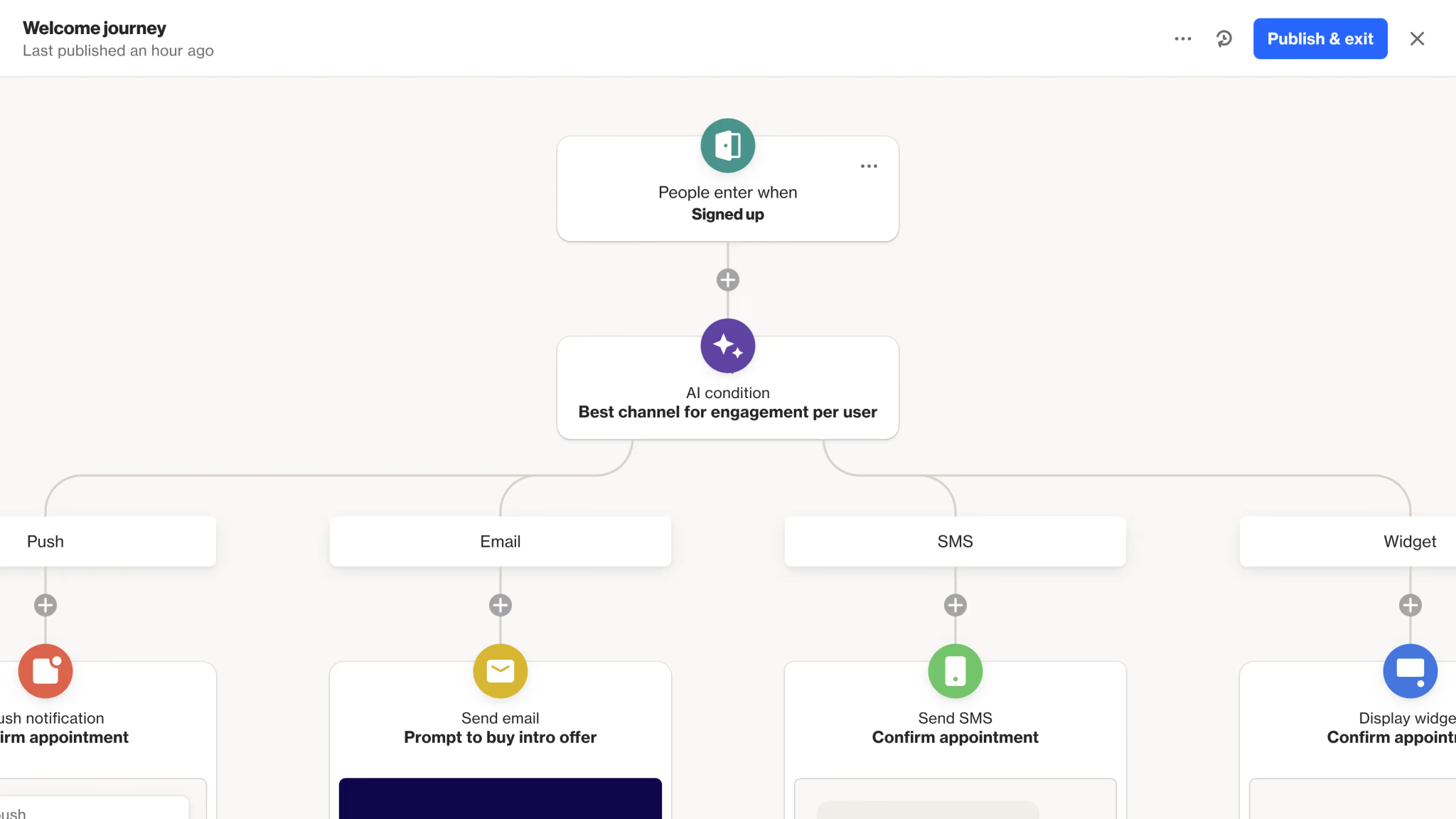
Ortto’s journey builder invites ambition. It’s tempting to construct one massive journey with dozens of branches, conditions, and delays that tries to handle every possible customer scenario. These monster journeys feel sophisticated, but they become unmaintainable nightmares.
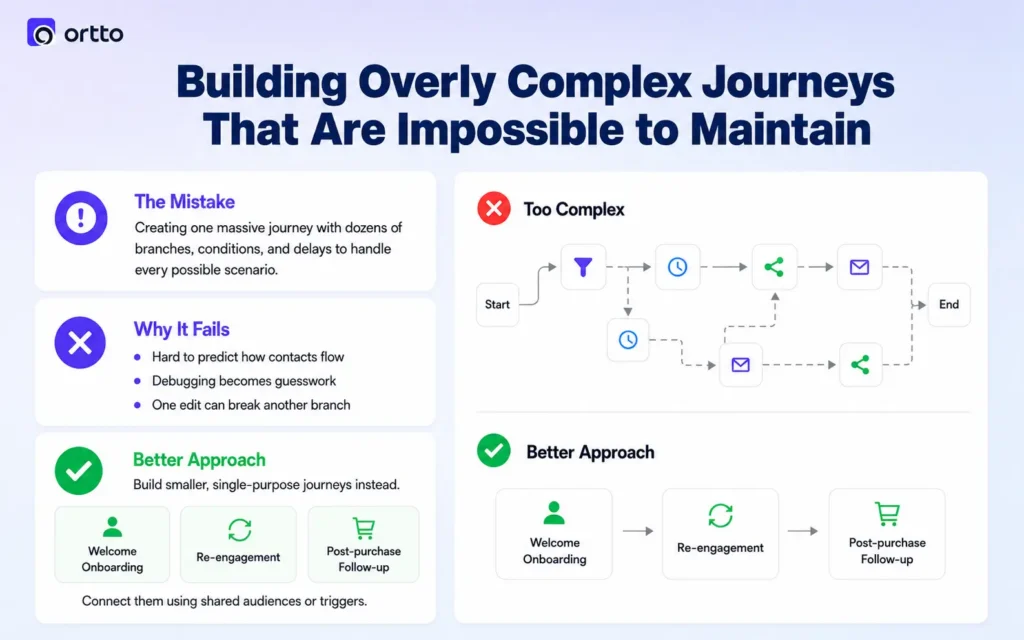
When a single journey contains forty steps and fifteen branches, nobody can confidently predict how a contact will flow through it. Debugging becomes guesswork. Editing one branch risks breaking another. And when a teammate inherits the journey, they’re afraid to touch it at all.
Build modular instead. Create smaller, single-purpose journeys that each handle one job, such as welcome onboarding, re-engagement, or post-purchase follow-up, and use shared audiences or triggers to connect them. Smaller journeys are easier to test, easier to document, and far easier to fix when something breaks. If you can’t explain a journey’s logic in two sentences, it’s probably doing too much.
Ready to get your Ortto setup right the first time?
Ortto Consulting helps teams design clean data architecture and maintainable automations that actually scale. Reach out before your next build to avoid costly rework.
4. Neglecting Proper Audience and Segmentation Logic
Many teams treat audiences as simple filtered lists rather than the dynamic engine that should power their entire strategy. They build static segments, forget to account for how contacts enter and exit, and end up emailing the wrong people or excluding the right ones.
A common error is misunderstanding the difference between audiences that update in real time and one-time filtered exports. When you build a journey to trigger off a poorly defined audience, contacts may enter repeatedly, never exit, or get stuck in loops. We’ve seen the welcome series fire three times for the same person because the entry audience never excluded people who’d already completed it.
Define clear entry and exit criteria for every audience tied to automation. Use suppression logic to prevent over-messaging, and layer conditions so each audience captures genuine intent rather than a loose approximation. Test your segment counts against known data before activating anything that sends.
Watch for Audience Overlap Across Active Journeys
When multiple journeys draw from overlapping audiences, a single contact can land in several automations at once and receive a flood of disconnected messages. Map which journeys share audience members and add suppression rules so customers experience one coherent conversation, not three competing ones.
5. Skipping Email Authentication and Deliverability Foundations
This mistake stays invisible until your emails stop reaching inboxes. Teams launch campaigns without properly configuring sending domains, SPF, DKIM, and DMARC records, then wonder why open rates collapse and messages land in spam.
Deliverability isn’t something Ortto handles automatically just because you connected an account. Mailbox providers like Gmail and Outlook now enforce strict authentication requirements, and sending from an unauthenticated or poorly warmed domain tanks your sender reputation quickly. Once reputation drops, recovering it takes weeks of careful sending.
Configure full domain authentication before your first send. Warm up new sending domains gradually rather than blasting your entire list on launch day. Monitor your engagement metrics and prune unengaged contacts regularly, because sending to dead addresses signals low quality to inbox providers. Strong deliverability foundations protect every campaign you’ll ever run on the platform.
6. Failing to Set Up Conversion and Revenue Tracking Correctly
Ortto can tie marketing activity directly to revenue, but only if you configure conversion tracking deliberately. Many implementations skip this, then struggle to prove which journeys and campaigns actually drive business outcomes.
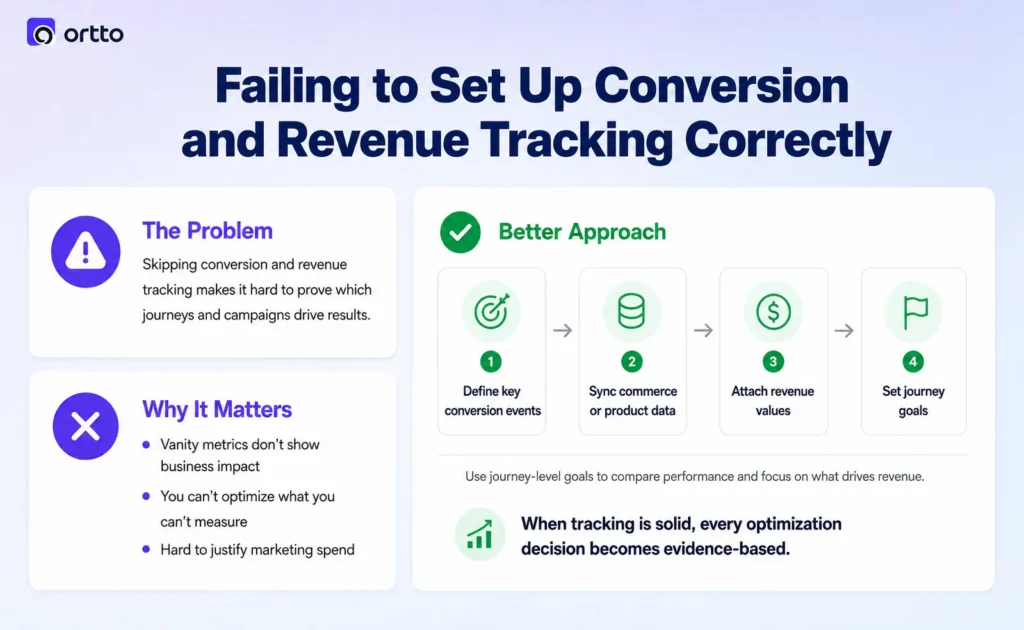
Without proper revenue and goal tracking, you’re left measuring vanity metrics like opens and clicks while remaining blind to what those clicks earn. You can’t optimize what you can’t measure, and you certainly can’t defend your marketing budget with open rates alone.
Define your key conversion events early and ensure the activities feeding them flow in accurately from your commerce or product systems. Attach revenue values to the actions that matter so your dashboards reflect real impact. Set up goals on individual journeys so you can compare performance and reallocate effort toward what works. When tracking is solid, every optimization decision becomes evidence-based rather than a guess.
7. Treating Implementation as a One-Time Project Instead of an Ongoing Process
The final mistake is mindset. Teams approach Ortto as a setup task to finish and forget, rather than a living system that needs maintenance, iteration, and governance as the business evolves.
Markets shift, product lines change, and the assumptions baked into your original build expire. Fields that made sense last year become irrelevant. Journeys that perform well grow stale. Without regular review, your account accumulates clutter, broken automations, and contradictory logic that slowly erodes performance.
Schedule recurring audits of your journeys, audiences, and field architecture. Document your setup so knowledge doesn’t vanish when team members leave. Assign clear ownership for the platform rather than letting it become everyone’s and no one’s responsibility. The accounts that perform best treat Ortto as an asset they actively cultivate, not a project they completed once.
Build a Foundation That Performs
The difference between an Ortto account that drives revenue and one that creates frustration rarely comes down to the platform itself. It comes down to the discipline of the implementation: clean data, standardized fields, maintainable journeys, smart segmentation, solid deliverability, accurate tracking, and ongoing care.
Avoiding these seven mistakes won’t guarantee a specific ranking or result, but it will give you a foundation built for clarity, accuracy, and scale. That foundation is what separates marketing teams that trust their tools from those constantly fighting them. Get the fundamentals right, and Ortto becomes the growth engine it was designed to be.
Want expert hands on your Ortto build?
Ortto Consulting specializes in implementations that avoid these exact pitfalls, from data architecture to deliverability. Book a consultation and start with a setup designed to scale.