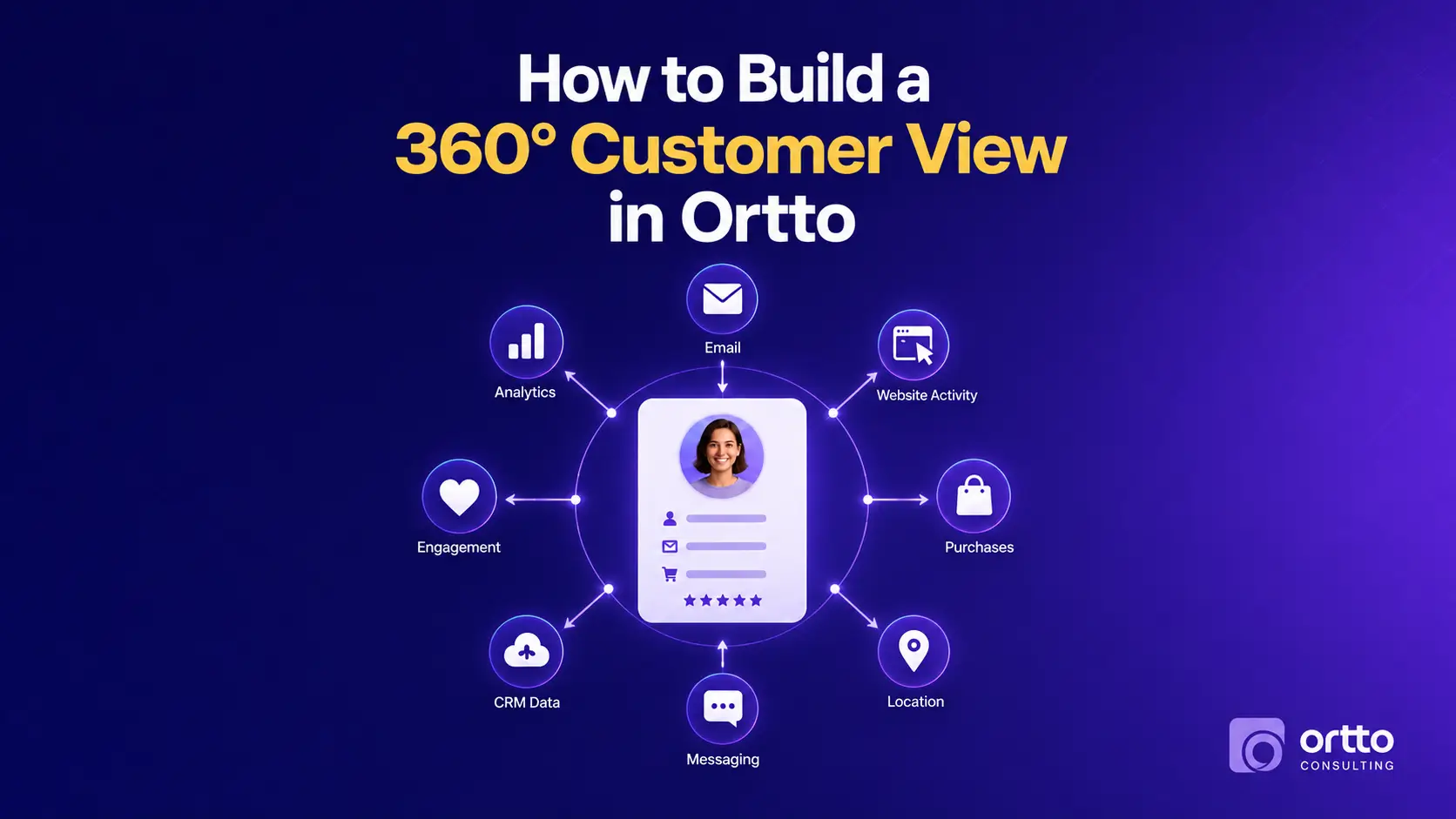
Key Takeaways:
- A 360° customer view in Ortto means one persistent profile per person that carries attributes, behavioural activities, and revenue history, not a contact list with extra columns.
- Identity resolution is the foundation. If a single customer exists as three contact records, every segment, report, and journey built on top of that data will be wrong.
- You only need a defined, deliberate subset of your data in Ortto: the fields and events you will actually segment on, personalise with, or trigger from.
- Activity tracking is where most accounts fall short. Attributes tell you who someone is; activities tell you what they are doing right now, and intent lives in the second one.
- A complete profile is only useful once it is queryable, so your segment library is the point where a 360° view turns into revenue.
- Treat profile completeness, event coverage, and duplicate rate as ongoing health metrics rather than a one-time cleanup project.
Most marketing teams already have all the customer data they need. It is just scattered: purchase history in Shopify or Stripe, deal stage in the CRM, support history in the help desk, product behaviour in the app database, and email engagement somewhere else entirely. Every team reads a different slice and nobody sees the whole person.
A 360° customer view solves that by consolidating those slices into one profile that updates continuously. In Ortto, this is not a reporting exercise or a dashboard you build at the end. It is a data architecture decision you make at the start, and it determines what your segmentation, personalisation, and automation can do for the next several years.
This guide walks through how to build that view in Ortto step by step: mapping your sources, designing a field and event schema, capturing behaviour, resolving identity, and turning finished profiles into audiences you can act on. If you want the wider architectural context first, our pillar guide on Ortto CDP mastery: how to build a high-performing customer data platform covers the full data platform framework this article sits inside.

What a 360° Customer View Actually Means in Ortto
The phrase gets used loosely, so it is worth defining precisely. A 360° customer view is a single, persistent, continuously updated record of one person that answers three questions at once:
Who are they? Identity and attribute data: email, name, company, location, plan or product, lifecycle stage, account owner, value tier.
What have they done? Timestamped behavioural history: pages viewed, forms submitted, emails opened, products purchased, features used, tickets raised, subscriptions changed.
What is their commercial relationship with you? Revenue data: first purchase, lifetime value, renewal date, refunds, churn status.
In Ortto, those three layers map onto the platform’s own data model. Contacts hold the attribute layer. Activities hold the behavioural layer, with their own attributes attached, so a Purchase activity can carry product, value, and category alongside its timestamp. Audiences (segments) are live queries that run across both, re-evaluating as data changes so contacts enter and exit automatically.
The important distinction is persistence. A list is a snapshot of who qualified on the day you built it. A profile accumulates. That accumulation is what makes behavioural triggers, recency-based suppression, and lifecycle automation possible at all.
Why a 360° View Is Worth the Effort
Every downstream metric inherits the quality of this layer, which is why the work compounds in both directions.
Personalisation stops being cosmetic. Referencing a customer’s actual plan, last purchase, or unused feature only works if those fields are reliable across the whole database rather than populated for the 40% of contacts who happened to come through one form.
Segmentation gets sharper because you can combine layers. “Enterprise trial accounts that viewed pricing twice in the last seven days but have not booked a demo” is a genuinely high-intent audience. It is also impossible to build unless attributes and activities live on the same profile.
Suppression becomes accurate, and this is the benefit teams most often underestimate. A unified profile lets you exclude recent purchasers, open support tickets, hard bounces, and dormant contacts before a send. Mailbox providers read engagement as a primary reputation signal, so cleaner targeting protects deliverability, not just relevance.
Attribution and reporting finally reconcile. A customer split across three records looks like three shallow relationships instead of one valuable account, which quietly understates your best channels and overstates your churn.
How to Build a 360° Customer View in Ortto: Step by Step
Work through these in order. The sequence matters more than the speed, because each phase constrains the next.
Step 1: Map Every Source That Holds Customer Data
Start with an inventory, not with Ortto. List every system that knows something about your customers: website, product database, ecommerce platform, payment processor, CRM, support desk, ad platforms, event tools, and the spreadsheets your team still quietly relies on.
For each source, record three things: what customer identifier it holds, what data it uniquely owns that no other system has, and whether it can push data to Ortto or must be pulled by API or import. Ortto offers native integrations for platforms including Shopify, Stripe, Salesforce, HubSpot, and Segment, plus an API and JavaScript capture tag for everything else.
Then apply the filter: if you will never segment on it, personalise with it, or trigger from it, leave it in your warehouse. Ortto is your operational layer, not your analytical archive.
Step 2: Choose Your Primary Identifier and Protect It
Ortto matches contacts primarily on email address. That single fact should shape several decisions.
Standardise how every capture path collects email. Enforce lowercase, trim whitespace, and validate format at the form level rather than cleaning up afterwards. Decide in advance what happens when a customer uses a work address to buy and a personal address to subscribe, and fix that at the source system where you can.
Where you have a stable internal ID such as a user ID or account ID, store it as a custom field on every profile from day one. You will need it later for reconciliation, warehouse joins, and support debugging, and retrofitting it across an existing database is significantly harder than capturing it from the start.
Step 3: Design Your Field Schema Before You Import Anything
Write your field dictionary down in a shared document before a single record enters Ortto. For each custom field, define the name, the data type, the allowed values, and the one authoritative source system permitted to write to it.
Naming convention discipline sounds bureaucratic and pays off immediately. Three sources writing “Lifecycle Stage” three different ways produces three partially populated, mutually useless fields.
Data types have real consequences. A genuine date field lets you build relative windows like “renewal in 30 days” or “trial ended last week.” A text field containing a date looks identical in the interface and silently breaks every comparison filter you try to build on it. The same applies to numbers stored as text, which cannot support greater-than logic.
Keep the schema deliberately small at launch. It is far easier to add a field you discover you need than to work out which of 200 fields anyone still trusts.
Step 4: Define and Instrument Your Activity Schema
Attributes describe state. Activities describe behaviour, and behaviour is where intent lives. This is the layer that separates a real 360° view from a well-organised contact list.
Define your event dictionary the same way you defined fields: event name, exactly when it fires, and which attributes travel with it. A useful starting set for most businesses covers page views on high-intent pages, form submissions, trial or account creation, key product milestones, purchases, subscription changes, and support interactions.
Install the Ortto capture tag across your site and app, then instrument deliberately. The most common gap we see is untracked high-intent pages: pricing, demo request, integration or comparison pages, and in-product upgrade screens. If those are not firing activities, your highest-value audiences simply do not exist.
Pass meaningful attributes with each event. A Purchase activity carrying product name, category, and value supports cross-sell logic. A bare Purchase event with a timestamp supports almost nothing.
Step 5: Connect Integrations One at a Time
Resist the temptation to switch everything on in a single afternoon. Connect one source, review every field mapping against your schema, run test records through, and confirm the data lands where you intended before connecting the next.
Never accept default field mappings without reviewing them. Defaults are built for a generic account, not for the schema you just designed, and an unreviewed mapping is how a CRM field quietly overwrites a better value from your product database.
Sequencing also makes troubleshooting tractable. When something looks wrong after the fourth integration and you connected them one at a time, you know where to look.
Step 6: Verify Identity Resolution With Real Test Cases
This is the step that separates a functioning 360° view from an expensive illusion, and it is the one most often skipped.
Run test contacts through every capture path and confirm they merge into one profile rather than splitting into several. Pay specific attention to three scenarios: the anonymous-to-known transition, where someone browses for a week before submitting a form; the multi-address customer, who buys with one email and subscribes with another; and the source system that writes a secondary or billing email as the primary identifier.
Then audit for duplicates already present. Scan for near-match records on name, phone, and company, identify which upstream system created the mismatch, correct it there, and merge the affected profiles. Patching inside Ortto without fixing the source means the duplicates return next month.
Step 7: Turn Unified Profiles Into a Segment Library
A complete profile that nobody queries has produced no value yet. Build a foundational audience library rather than creating segments ad hoc whenever a campaign needs one.
Cover these categories at minimum:
- Lifecycle stage: subscriber, lead, trial, customer, churned.
- Engagement recency: active, cooling, dormant, never engaged.
- Product or plan: which offering, which tier.
- Value tier: based on lifetime value or account size.
- Behavioural intent: viewed high-intent pages, abandoned cart, started but did not finish onboarding.
- Suppression groups: recent purchasers, open support tickets, unsubscribes, hard bounces.
Use a consistent naming prefix system so the library stays navigable once it passes fifty audiences. Suppression segments in particular should be obvious at a glance, because they get referenced in almost every campaign you build.
Step 8: Activate, Then Keep the View Honest
Only once profiles resolve correctly and audiences read accurately should you build automation on top. Confirm every journey entry condition references a field or activity you have actually verified, rather than one you assume is populated.
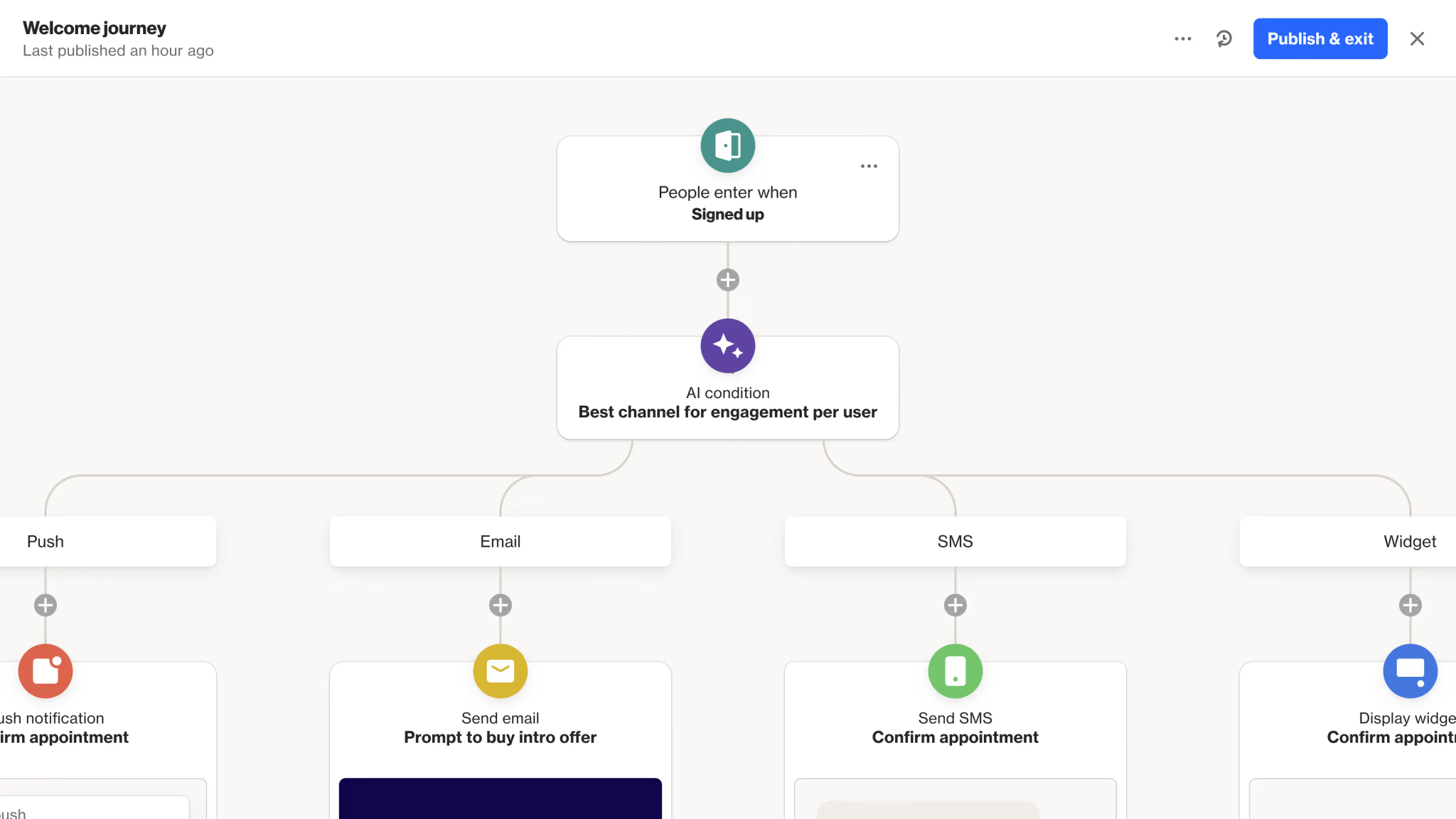
Our walkthrough on how to create your first automation journey in Ortto covers entry conditions, delays, and branching in practical detail, and the broader Ortto marketing automation guide for 2026 shows how the data layer and activation layer work together across a full program.
Ready to Set Up Your Ortto CDP the Right Way?
The costly mistakes in this build are structural, which means they surface months later when the schema is already load-bearing. If you would rather get identity resolution, field architecture, and integration mapping right the first time, our Ortto CDP setup service covers source auditing, schema design, integration mapping, event instrumentation, and segment architecture as a single engagement. We also handle full platform rollouts through our Ortto implementation service when you are standing up the whole stack rather than the data layer alone.
Mistakes That Break a 360° View
These are the patterns we see most consistently in accounts where the customer view has drifted:
- Importing everything. A full CRM export creates hundreds of fields nobody uses and buries the handful that matter.
- Treating attributes as the whole picture. Rich profiles with no activity tracking give you demographics without intent.
- Skipping identity verification. Duplicates are invisible in aggregate reporting until someone spot-checks a single customer by hand.
- Letting multiple sources write the same field. Two systems with different update frequencies will overwrite each other, and the last write wins regardless of which is correct.
- Leaving high-intent pages uninstrumented. No pricing or demo page tracking means no high-intent audiences.
- No suppression architecture. Promoting to recent purchasers and churned accounts erodes both revenue and sender reputation.
- Building journeys before validating data. The automation looks perfect, the condition never evaluates true, and nobody notices for weeks.
For a wider view of what goes wrong during rollout, read 7 common Ortto implementation mistakes to avoid in 2026.
How to Measure Whether Your 360° View Is Working
Judge the data layer on its own metrics rather than on last campaign’s open rate.
Track profile completeness for the fields that actually drive segmentation. What share of contacts have a usable lifecycle stage, plan, and location? Track event coverage by monitoring expected firing volumes for each defined activity, since a sudden drop almost always means a broken tag rather than changed behaviour. Track duplicate rate on a recurring schedule, not once at launch. Track segment accuracy by spot-checking members of your most critical audiences against the source system.
Then check activation quality. Are journeys entering the contacts you expected, at the volume you expected? Are engagement and deliverability metrics stable or drifting? A dedicated Ortto reports and dashboards setup built around these health indicators turns data quality from an occasional audit into a continuous signal.
If you are still deciding whether Ortto is the right home for this data, our comparison of Ortto vs HubSpot: which marketing automation tool wins in 2026? looks at how the two platforms handle data structure, cost, and automation depth.
Talk to an Ortto Consultant About Your Customer Data
Every stack has its own awkward edges: a legacy CRM full of dirty records, a product emitting events in an unhelpful shape, a merge history nobody documented. If you want a specialist to review your current setup and tell you what to fix first, get in touch with the Ortto Consulting team. We will look at your sources, your schema, and your goals, and give you an honest assessment of the gaps between where your data is and the 360° view you need.
Final Thoughts
A 360° customer view in Ortto is not built by turning on every integration and filling every field. It is built by deciding which data genuinely belongs in your operational layer, defining a schema you can defend, instrumenting the behaviour that signals intent, and proving that profiles resolve to real people before anything automated depends on them.
The teams getting outsized results from Ortto are not the ones with the most data. They are the ones whose data they trust enough to act on quickly. Start with the source map, protect your identifier, and let the automation follow the foundation.