Key Takeaways:
- An Ortto CDP unifies contact records, behavioural events, and revenue data into one profile so your segments, journeys, and reports all read from the same source of truth.
- Data architecture decisions made in week one, including field naming, event schema, and identity matching, determine how well every campaign performs a year later.
- Ortto’s CDP strength comes from tight coupling between the data layer and the activation layer. The same profile that stores a purchase can trigger an email, SMS, or in-app message without an export step.
- Most underperforming Ortto accounts fail on data hygiene, not creative. Duplicate contacts, inconsistent custom fields, and untracked events quietly break segmentation.
- A disciplined build follows a fixed order: audit sources, define the schema, connect integrations, verify identity resolution, build segments, then activate journeys.
- Measure your Ortto CDP on profile completeness, event coverage, segment accuracy, and deliverability signals rather than on how many fields you managed to fill.
Introduction
Most teams buy Ortto for the marketing automation and only later realise the platform’s real leverage sits underneath it. The journeys, emails, and SMS campaigns you build are only as intelligent as the customer data feeding them. That data layer is the Ortto CDP, and treating it as an afterthought is the single most common reason automation programs stall.
This guide walks through how to build a high-performing Ortto CDP from the ground up: what the platform actually does, how to design a schema that survives growth, how to connect and validate your data sources, how to turn unified profiles into segments that convert, and which mistakes to avoid before they compound. Whether you are migrating from another stack or repairing an account that has drifted, the framework here gives you a defensible order of operations.
What Is a Customer Data Platform, and Where Does Ortto Fit?
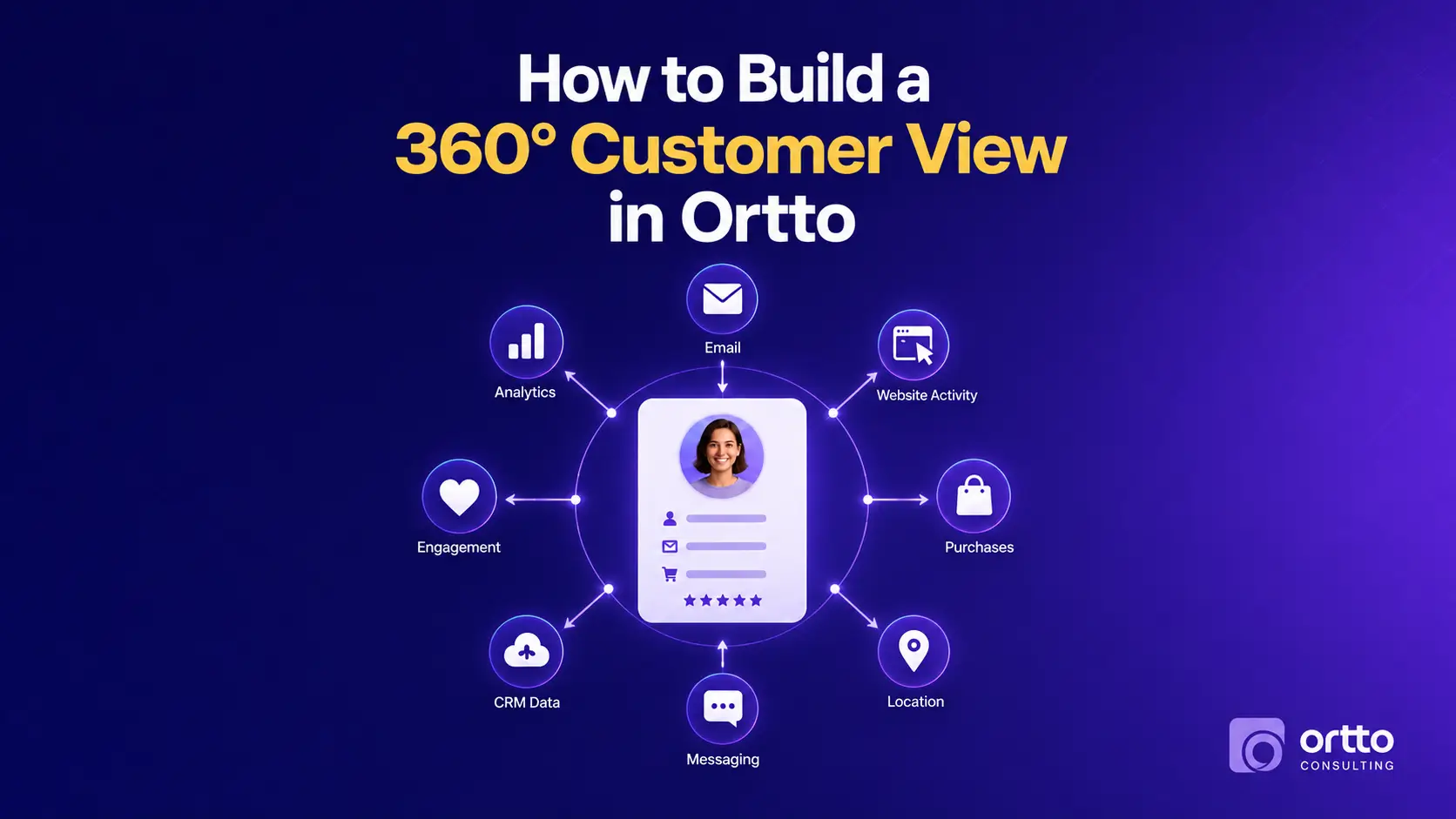
A customer data platform collects customer data from every source you own, resolves it into a single persistent profile per person, and makes that profile available for segmentation and activation. The key word is persistent. Unlike a campaign tool that holds a list, a CDP maintains an evolving record that accumulates behaviour over time.

Ortto sits in a specific category of CDP: the activation-first platform. It stores unified profiles and also owns the channels that act on them, including email, SMS, push, in-app messaging, and journey orchestration. That matters practically. In a stack where the CDP and the marketing tool are separate, you pay a sync tax in the form of latency, field mismatches, and duplicated logic. Ortto collapses that gap, which is why smaller data and growth teams often get more out of it than they would from a heavyweight enterprise CDP paired with a separate ESP.
What Ortto is not is a data warehouse. It is not designed to be the analytical home for every raw event your product emits. Treat it as the operational layer that holds the customer-facing subset of your data, meaning the attributes and events you intend to segment on, personalise with, or trigger from.
How the Ortto CDP Works
Ortto’s data model rests on three building blocks, and understanding how they interact is most of the battle.
Contacts are the profile records. Each holds standard fields such as email, name, phone, and location, plus any custom fields you define. Ortto matches on email address by default, which makes email hygiene at the point of capture unusually important.
Activities are the timestamped events attached to a contact: page views, form submissions, purchases, subscription changes, support tickets, and product actions. Activities carry their own attributes, so a Purchase activity can pass product name, value, and category alongside the timestamp.
Segments (audiences) are live queries across contacts and activities. Because they re-evaluate continuously, a contact enters and exits automatically as their data changes. This is what makes Ortto segments useful as journey entry conditions rather than static lists.
Data arrives through three routes: native integrations such as Shopify, Stripe, Salesforce, HubSpot, and Segment; the Ortto API and JavaScript capture tag; and manual CSV import. Each route writes to the same profile, which is exactly why schema discipline matters. Three sources writing “Lifecycle Stage” three different ways produces three unusable fields.
If you are still deciding whether Ortto is the right home for this layer, our breakdown of Ortto vs HubSpot: Which Marketing Automation Tool Wins in 2026? compares the two platforms on data structure, cost, and automation depth.
Why a High-Performing Ortto CDP Matters
The business case for investing in the data layer is straightforward: every downstream metric inherits its quality.
Personalisation depends on field reliability. A welcome email that references the wrong plan tier does more damage than a generic one. Segmentation depends on event coverage, because you cannot build a “viewed pricing but did not convert” audience if the pricing page is not tracked. Attribution depends on identity resolution, since a customer split across three contact records will look like three shallow relationships instead of one valuable account.
Deliverability depends on hygiene too, and this is the cost most teams miss. Unified profiles let you suppress accurately by excluding recent purchasers, hard bounces, unsubscribes, and dormant addresses. Sending to a bloated, unverified list depresses engagement rates, and mailbox providers read engagement as a primary reputation signal. Clean data is not a tidiness exercise. It protects your ability to reach the inbox at all.
Finally, a well-built CDP reduces operational drag. When your team trusts the data, they stop rebuilding the same audience from scratch each quarter and start iterating on strategy.
How to Build a High-Performing Ortto CDP: A Step-by-Step Framework
Work through these phases in order. Skipping ahead to journeys before the schema is settled is the most expensive mistake available to you.
Step 1: Audit Your Existing Data Sources
List every system that holds customer information: your website, product database, ecommerce platform, payment processor, CRM, support desk, ad platforms, and any spreadsheets your team still relies on. For each, record what identifiers it holds, how it identifies a person, and whether it can push data or must be pulled.
Then decide what belongs in Ortto. The filter is simple. If you will never segment, personalise, or trigger on a field, leave it in the warehouse.
Step 2: Define Your Schema Before You Import Anything
Write your field and event dictionary down in a shared document. For custom fields, fix a naming convention, choose the correct data type, and note the single authoritative source for each. Text versus number versus date versus boolean has real consequences for filtering. For activities, define the event name, when it fires, and which attributes it carries.
Being strict here pays off later. Date fields let you build relative windows like “trial ends in three days.” Text fields containing dates do not.
Step 3: Connect Integrations and the Capture Tag
Install the Ortto tracking code across your site and app, then connect your native integrations one at a time rather than all at once. Sequencing lets you verify each source’s field mapping before the next one starts writing to the same profiles. Map every incoming field deliberately to the schema you defined, and never accept default mappings without reviewing them.
Step 4: Verify Identity Resolution
Run test contacts through each capture path and confirm they merge into one profile rather than splitting. Pay particular attention to anonymous-to-known transitions, where a visitor browses before submitting a form, and to customers who use different email addresses for purchase and for newsletter signup. Where a mismatch is systemic, fix it at the source system rather than patching it in Ortto.
Step 5: Build Your Core Segment Library
Rather than creating audiences ad hoc, build a foundational library covering lifecycle stage, engagement recency, product or plan, value tier, and suppression groups. Name them with a consistent prefix system so the list stays navigable as it grows past fifty.
Step 6: Activate Through Journeys
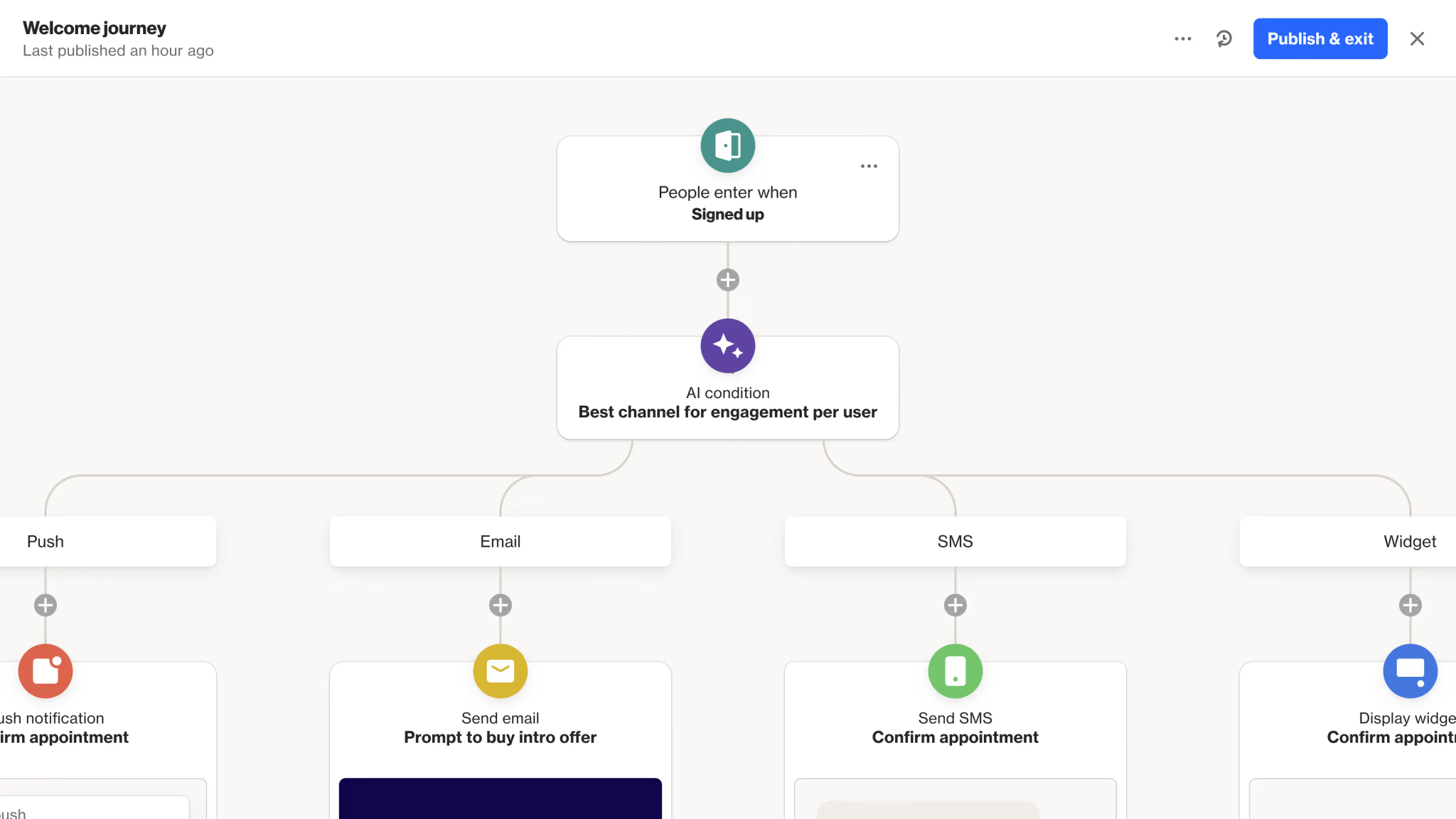
Only now do you build automation. Start with the highest-value flows such as welcome, onboarding, abandoned cart, renewal, and win-back, and confirm each entry condition reads from a verified field. Our walkthrough on how to create your first automation journey in Ortto covers the mechanics of entry conditions, delays, and branching in detail, and the broader Ortto marketing automation guide for 2026 maps out how the data and activation layers fit into a full program.
Ready to Set Up Your Ortto CDP the Right Way?
A CDP build rewards experience, because the costly errors are structural and only surface months later. If you would rather get the schema, integrations, and identity resolution right the first time, our Ortto CDP setup service covers source auditing, field architecture, integration mapping, and segment design as a single engagement. You can also review our end-to-end Ortto implementation service if you are standing up the whole platform rather than the data layer alone.
Common Ortto CDP Mistakes That Hurt Performance
These are the patterns we see most often in accounts that underperform:
- Importing everything. Teams dump entire CRM exports into Ortto, creating hundreds of fields nobody uses and making the ones that matter hard to find.
- Inconsistent field naming. plan_type, Plan Type, and subscription_plan living side by side, each partially populated, each unusable for reliable segmentation.
- Wrong data types. Storing numbers or dates as text, which silently breaks comparison filters and relative date logic.
- Untracked key pages and actions. Pricing pages, demo requests, and in-product milestones left uninstrumented, which removes your highest-intent segments from the table.
- Duplicate contacts from mismatched identifiers. Usually caused by a source system that writes a secondary email address.
- No suppression architecture. Sending promotional campaigns to recent purchasers, churned accounts, or unengaged contacts, which erodes both revenue and sender reputation.
- Building journeys before validating data. The automation looks correct, the underlying condition never evaluates true, and nobody notices for a month.
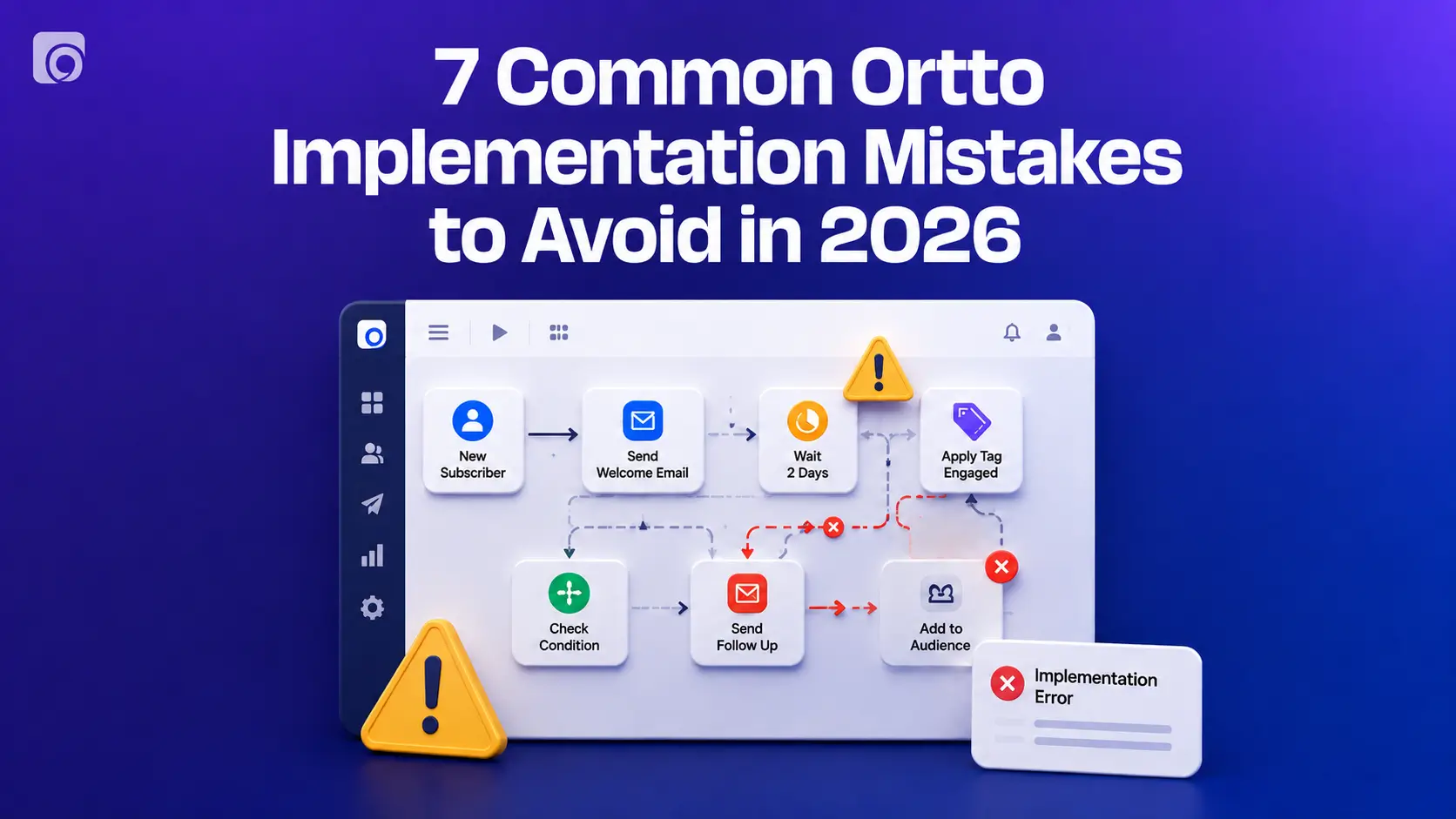
For a wider view of what goes wrong during rollout, read 7 common Ortto implementation mistakes to avoid in 2026.
How to Measure Whether Your Ortto CDP Is Performing
Judge the data layer on its own terms, not on last campaign’s open rate.
Track profile completeness for the fields that actually drive segmentation. What percentage of contacts have a usable lifecycle stage, plan, or location? Track event coverage by confirming your defined activities are firing at expected volumes, since a sudden drop usually signals a broken tag rather than a behaviour change. Track duplicate rate periodically by scanning for near-match records. Track segment accuracy by spot-checking members of critical audiences against the source system.
Then look at activation quality. Are your journeys entering the contacts you expected, at the volume you expected? Are engagement and deliverability metrics stable or drifting? A reports and dashboards setup built specifically around these health indicators turns data quality from an occasional audit into an ongoing signal.
Talk to an Ortto Consultant About Your Customer Data
Every stack has its own edge cases: a legacy CRM with dirty records, a product that emits events in an awkward shape, a merge history nobody documented. If you want a specialist to review your current setup and recommend a path forward, get in touch with the Ortto Consulting team. We will look at your sources, your schema, and your goals, and tell you honestly what needs fixing first.
Final Thoughts
Building a high-performing Ortto CDP is less about using every feature and more about disciplined choices made early. Decide which data genuinely belongs in your operational layer, define a schema you can defend, connect sources deliberately, verify that profiles resolve correctly, and only then build the segments and journeys that turn data into revenue.
The teams that get outsized results from Ortto are rarely the ones with the most fields or the most journeys. They are the ones whose data they can trust, because trust is what lets them move quickly. Start with the audit, fix the foundations, and let the automation follow.